Make an anime series, an OVA or a movie
Write it as a screenplay, design its cast once and give it one look, chosen from 24 anime styles. Then storyboard every scene and render its shots as clips, in that look, episode after episode.
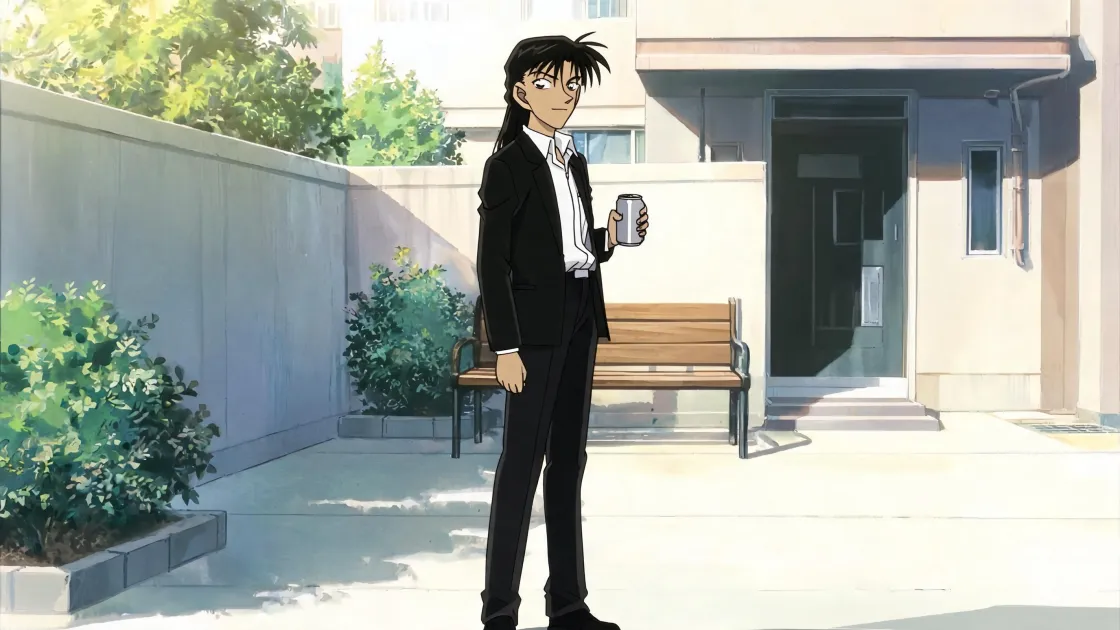
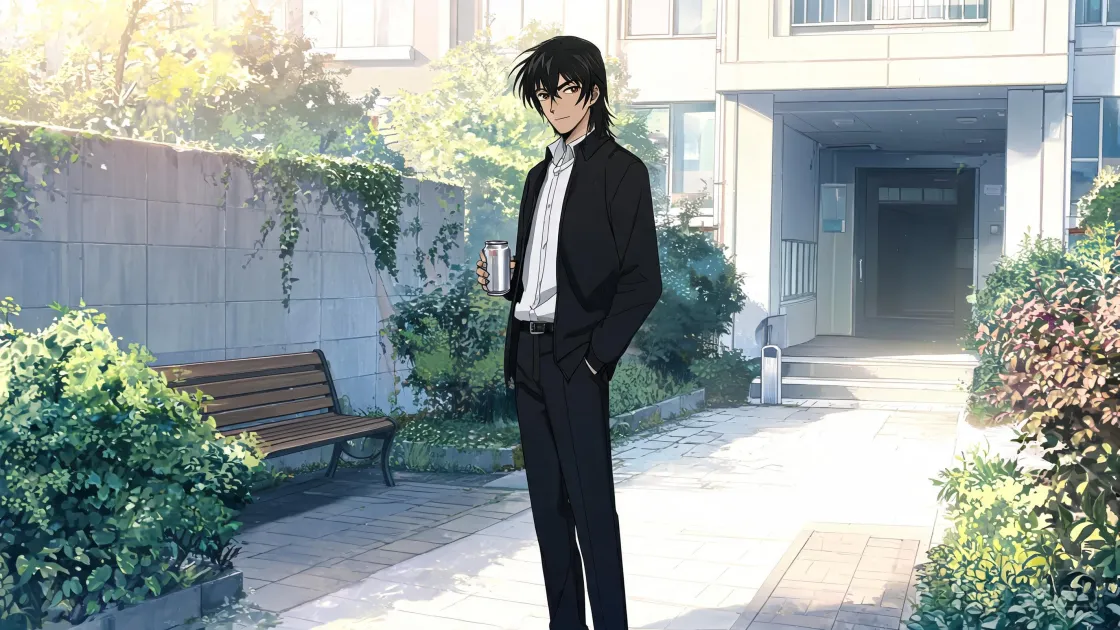
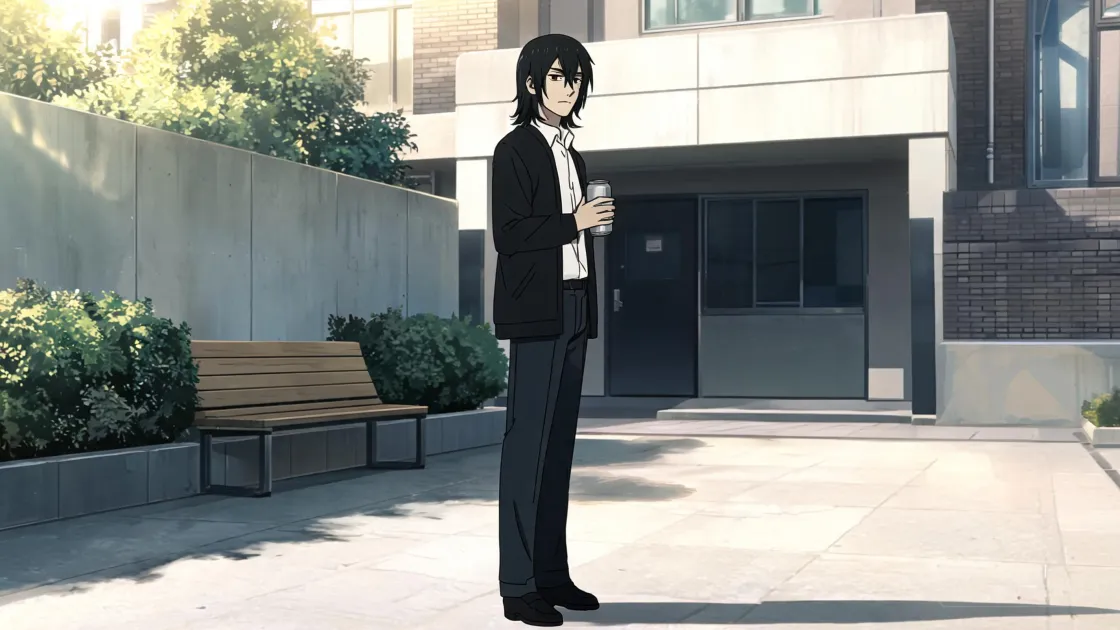
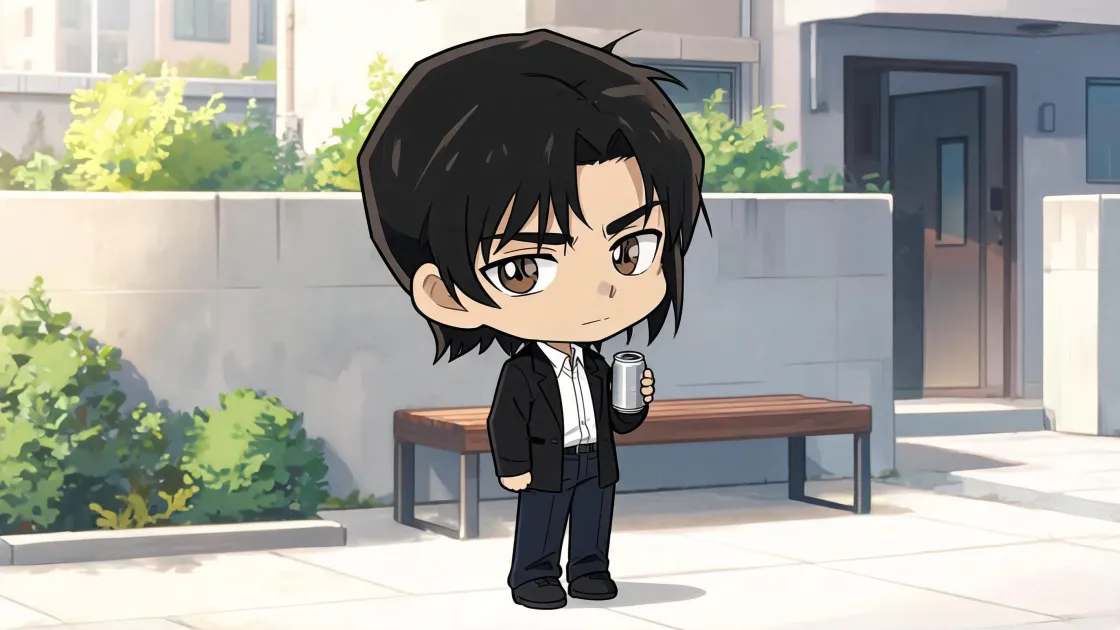
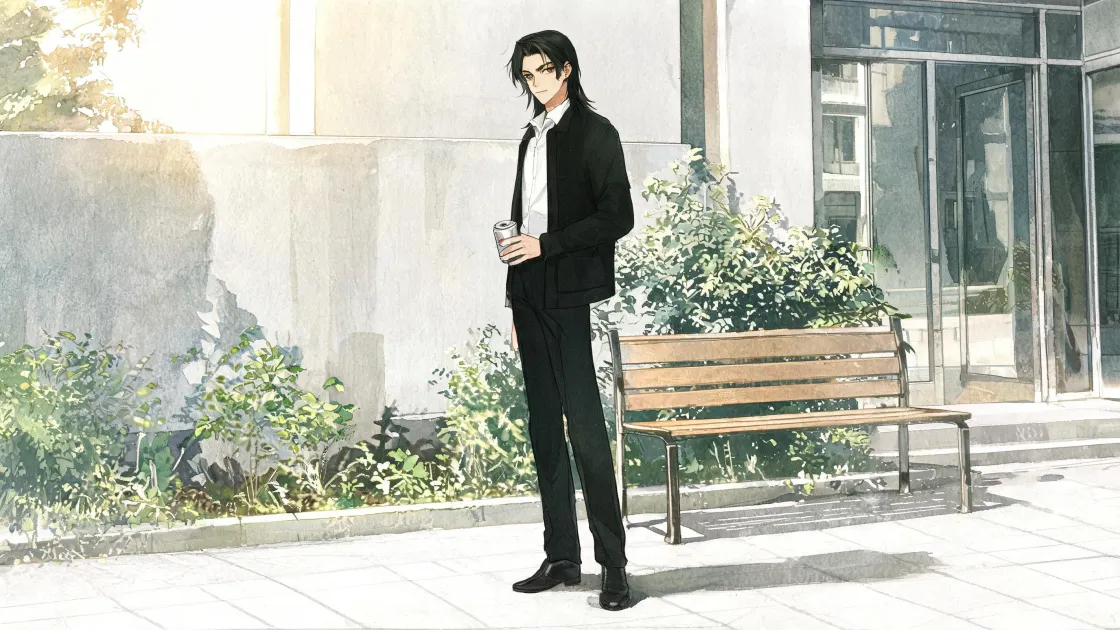
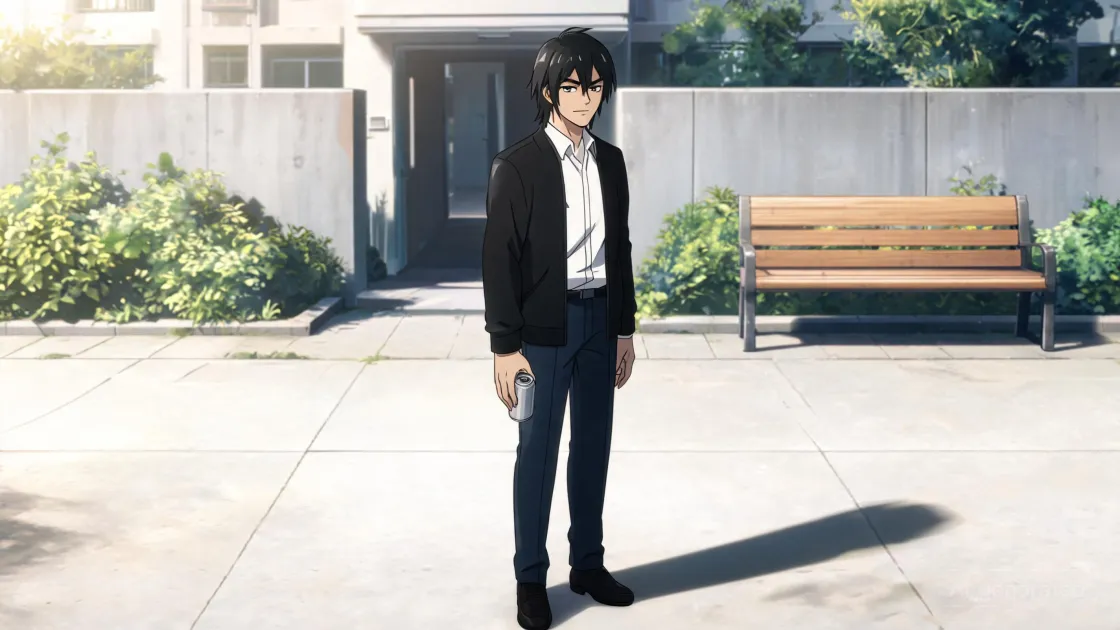
A series, an OVA or a movie
One project is the whole show
Each episode is a filmscript of its own, and every one of them shares the project’s cast and its style. The characters you design for the pilot are the ones episode twelve casts, drawn the same way.
A few episodes, made with care
Give each episode its acts and beats in Structure. Give a character a state for every turn of the story: the uniform, the scar, the transformation. Settle every frame on the Storyboard before a single clip renders.
One screenplay, start to finish
Write it in acts, storyboard it scene by scene, render the shots as clips and approve the take you want. Deliver hands the approved clips to your editing software as a timeline, in order.
How an episode is made
- 1
Write it
Write each episode in the Editor, as a screenplay. In Structure, its scenes become beats you can move, grouped into acts.
- 2
Design the cast
Characters, places and objects live in the Design lens, each with its profile and its pictures. A character keeps a state for each look it takes in the story, and its identity picture keeps its face.
- 3
Choose the look
In Project Settings ▸ Style, set the render style to Anime and pick one of the 24 styles by its picture. Every new render in the project takes it, and the images you already have keep theirs.
- 4
Storyboard every scene
Turn each scene into shots on the Storyboard: who is in the frame, how close, and from where. A shot brings its characters’ pictures with it, so they look like themselves from one frame to the next. Nothing renders on its own; frames are made when you ask for them.
- 5
Render, approve, deliver
Mark shots ready and render them as clips in the Producer, from the frame you picked. Approve the take you want, then export from Deliver: a Storyboard PDF, a Pitch Bible, or a Clip Handoff your editing software opens as a timeline.
24 anime styles
A project keeps one style, and you pick it by seeing it: each style is shown as the same picture, made its way. Change it later, and only the new renders follow.
HISTORICAL ANIME ERAS
- 1960s Retro Television Anime
- 1970s Shōjo Anime
- 1980s Premium OVA Anime
- 1990s Traditional Cel Anime
- Early-2000s Digital Anime
- Contemporary Television Anime
CHARACTER DESIGN
- Realistic Seinen Anime
- Angular Battle Anime
- Soft Romantic Shōjo Anime
- Contemporary Moe / Kawaii Anime
- Chibi / Super-Deformed Anime
- Exaggerated Comic Anime
ILLUSTRATION AND MATERIALS
- Traditional Watercolour Anime
- Hand-Painted Background Anime
- Expressive Ink-Brush Anime
- Graphite Pencil Anime Sketch
- Flat-Colour Minimalist Anime
- Detailed Digital-Painting Anime
CINEMATIC AND HYBRID
- Anime Noir
- Cyberpunk Anime
- Cinematic Realism Anime
- 3D Cel-Shaded Anime
- Minimalist Cinematic Anime
- Experimental Mixed-Media Anime
Good to know
Where it runs
Start in the browser at cloud.filmara.org. The desktop app for macOS on Apple Silicon does everything, including rendering clips and exporting.
What it costs
Filmara is free to start. Images and clips are paid per render, and the model and the resolution set the cost. Nothing renders until you ask.
Making it with others
A project in the cloud is shared live, so a writer and a storyboard artist can work on the same episode at once. Anyone can join a team; creating one takes the Pro plan.
Taking the cast along
Keep your characters in a Collection and add them to any project from My Collections, so the movie of your series casts the same people.
Start with episode one
Open a project and write the first scene. Pick the style when you want to see it.